Put names to follower changes
See who followed and who left between syncs. Open the list of names instead of guessing from a change in your total.
Instagram follower tracker for Chrome
See the names behind your follower count. Track new followers, spot one-sided connections and keep a clear history of how your Instagram audience changes.
Add to ChromeNo separate account. No Instagram password to share.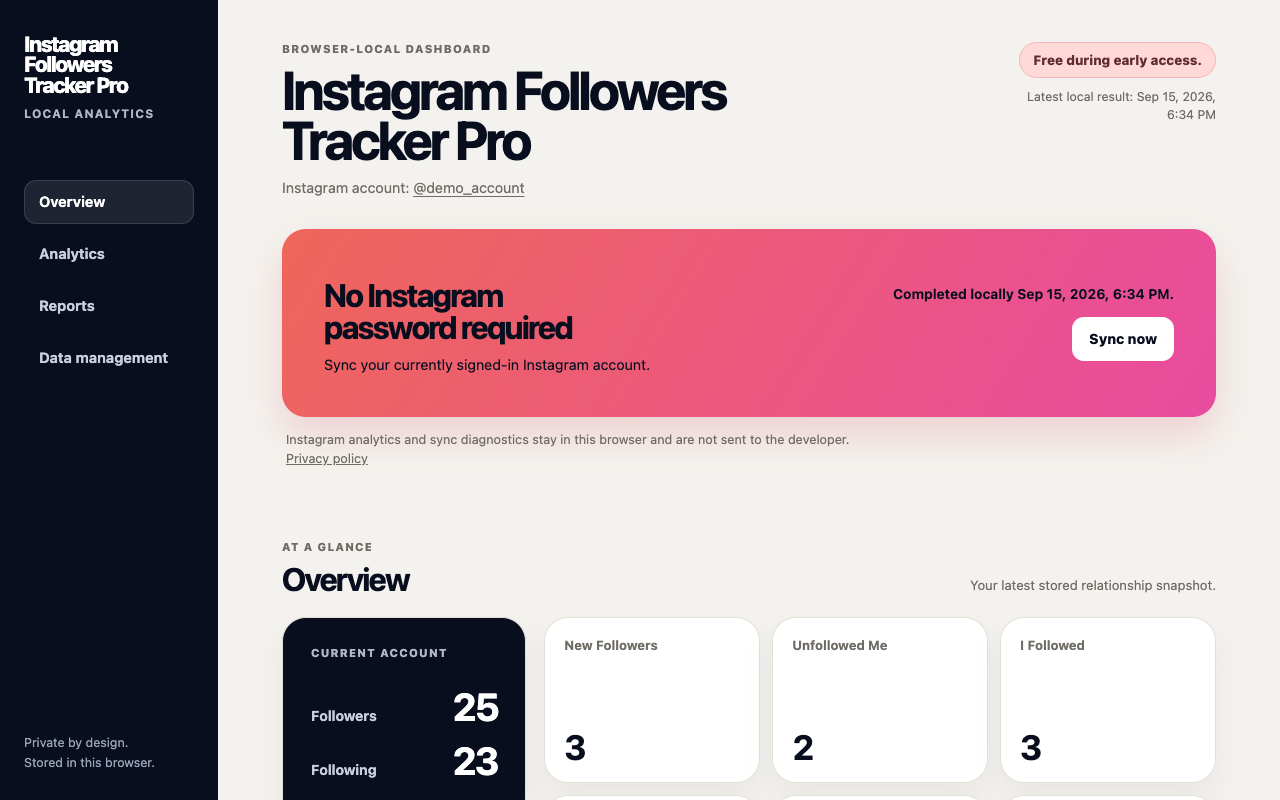
Beyond the numbers
See who followed and who left between syncs. Open the list of names instead of guessing from a change in your total.
See who you follow that doesn't follow you back, who you haven't followed back, and which connections are mutual.
See how your numbers change over time. Export reports as CSV or JSON, or save a backup to restore your history later.
Three steps
Your data, on your device
Your follower and following lists, reports and saved history stay in your Chrome profile. They are not sent to the developer.
The extension uses your existing Instagram session without reading your password. Optional usage analytics is off until you allow it and never includes your Instagram data.
Read the privacy policyQuestions, answered
No. Your first successful sync saves your starting point. Later syncs reveal changes from that saved history. The extension cannot recover earlier unfollows.
No. You start each sync yourself. Reported times show when a change was detected, rather than the exact moment it happened on Instagram.
No. Sign in directly on Instagram in Chrome. The extension uses your existing session and does not read your password, authentication cookies or session tokens.
The sync pauses while Instagram is hidden. Return to the Instagram tab to continue. If a sync stops or fails, your last successful results stay available.
Only if you allow it: dashboard visits, button clicks, review prompt views and clicks, sync stages and error codes, linked to random installation and session IDs. Your Instagram data and raw error messages are never sent. You can turn analytics off in the dashboard footer. It never runs in Incognito.
This website measures page visits separately through Google Analytics. The extension's analytics setting does not control website measurement. See the website analytics privacy notice.
Chrome removes the extension's local data. Save a backup before uninstalling if you want to restore your history later. Reports and backups you've already downloaded stay on your device.
Free during early access. No separate registration or email is required to run a sync.